# How to Create a Website Without Coding (Step-by-Step Guide for Beginners)
Creating a website sounds hard…
especially if you don’t know coding.
But here’s the truth:
**You don’t need to be a developer anymore.**
In this guide, I’ll show you a simple way to build your own website — step by step.
---
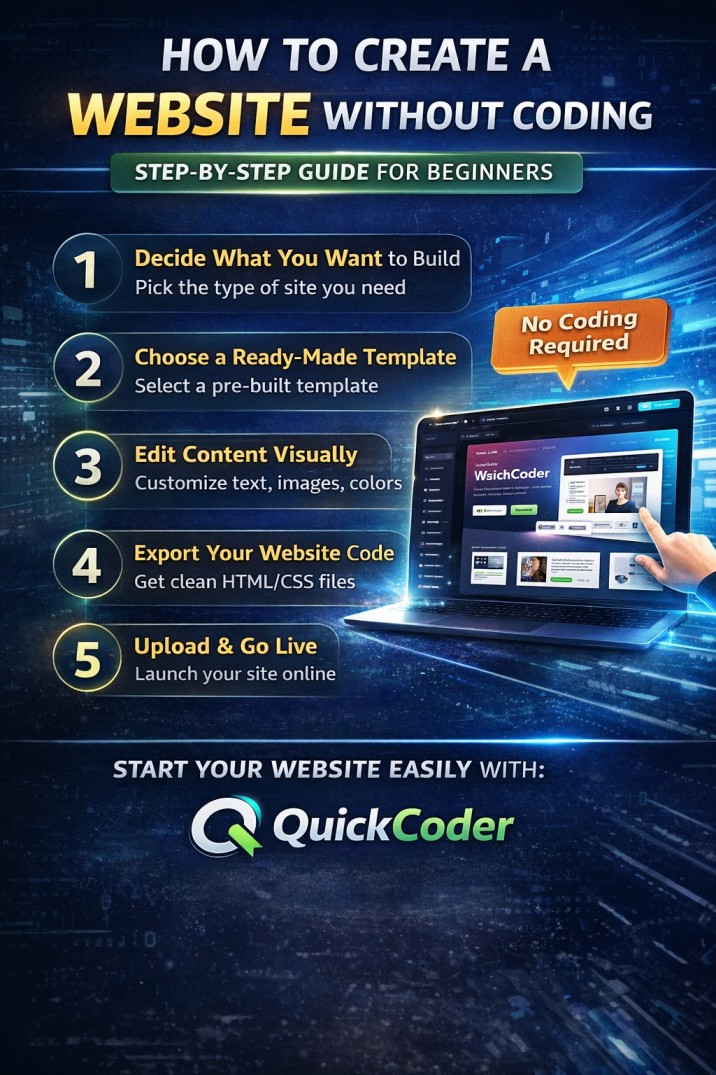
## Step 1: Decide What You Want to Build
Before starting, ask yourself:
* Do you need a portfolio website?
* A business landing page?
* Or a simple personal site?
Clarity here saves a lot of time later.
---
## Step 2: Choose a Ready-Made Template
Instead of designing from scratch,
use a pre-built template.
Why?
* Saves time
* Looks professional
* No design skills needed
---
## Step 3: Edit Content Visually
Now comes the easiest part.
You just:
* Change text
* Replace images
* Update colors
No coding required.
---
## ⚡ Step 4: Export Your Website Code
Once everything looks good:
* Export the full HTML/CSS code
* Download it instantly
Now your website is ready.
---
## Step 5: Upload & Go Live
You can host your website on:
* Any hosting platform
* GitHub Pages
* Or your own server
Within minutes, your site is live.
---
## Best Tool to Do This Easily
If you want to follow this exact method,
you can try tools like **QuickCoder**.
It helps you:
* Create templates instantly
* Edit design in real-time
* Export clean code
Perfect for beginners who want speed.
---
## Final Thoughts
Building a website is no longer complicated.
You don’t need:
* Coding skills
* Expensive developers
* Or weeks of effort
???? Just the right tool and a clear idea.
---
Start building your website today — it’s easier than you think.
QuickCoder
How to Create a Website Without Coding (Step-by-Step Guide for Beginners)