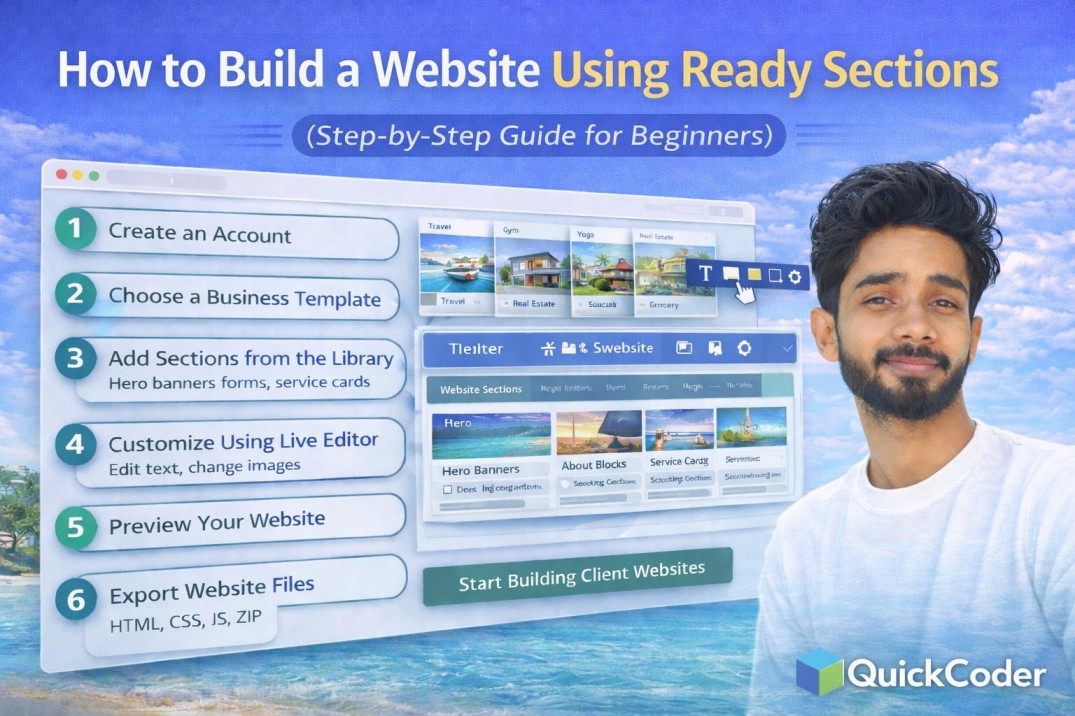
How to Build a Website Using Ready Sections (Step-by-Step Guide for Beginners)
Building a professional website traditionally requires design skills, coding knowledge, and significant development time. Beginners often struggle with layouts, responsiveness, and managing multiple website files.
Modern website workflows have changed. Instead of starting from scratch, websites can now be built using ready templates and reusable sections.
QuickCoder makes this process simple by providing a large template collection, section library, and live visual editor that allows users to create websites without coding.
What Are Ready Website Sections?
Ready sections are pre-designed parts of a website that can be reused to build complete pages quickly. Each section serves a specific purpose in website structure.
Common website sections include:
- Hero section with headline and call-to-action
- About company section
- Service or feature cards
- Image sliders and scrollers
- Contact forms
- Testimonials
- Pricing tables
- Footer layouts
By combining these sections, users can build full websites efficiently.
Why Use Section-Based Website Building?
- Faster development process
- No need to design from scratch
- Consistent layout structure
- Beginner-friendly workflow
- Easy customization
Step 1: Create an Account
Start by creating a QuickCoder account. The platform includes login and profile features that allow you to manage templates and bookmark your favorite layouts.
Step 2: Choose a Business Template
Select a template based on your business type such as travel agency, gym, yoga studio, real estate, education, grocery, or portfolio website.
Templates already include structured layouts that save development time.
Step 3: Add Sections from the Library
Use the section collection to enhance your layout. You can add:
- Hero banners
- About blocks
- Service cards
- Forms
- Sliders
- Scrolling sections
Sections can be rearranged easily.
Step 4: Customize Using Live Editor
The live editor allows visual customization directly inside the browser.
- Edit text instantly
- Change images
- Modify layout
- Preview updates live
No coding knowledge is required.
Step 5: Preview Your Website
Before exporting, preview your website to ensure everything looks correct on different screen sizes.
Step 6: Export Website Files
QuickCoder provides flexible export options:
- Export HTML files
- Export CSS files
- Export JavaScript files
- Download combined files
- Export full ZIP package
You can upload exported files directly to hosting.
Who Should Use This Method?
- Beginners creating first website
- Freelancers building client projects
- Agencies needing faster workflow
- Business owners creating landing pages
Benefits of Using QuickCoder
- Templates for multiple businesses
- Reusable section collection
- Live visual editing
- User dashboard & bookmarks
- Flexible export control
Frequently Asked Questions
Do I need coding skills?
No, QuickCoder allows complete visual editing without coding.
Can I build a full website using sections?
Yes, combining templates and sections allows you to build complete websites quickly.
Can I download the website files?
Yes, you can export HTML, CSS, JS, or ZIP packages.
Section-based website building is the fastest modern approach to web development. Platforms like QuickCoder allow users to create professional websites using ready layouts, visual editing, and flexible export options.
This approach saves time while maintaining full control over website design and code.