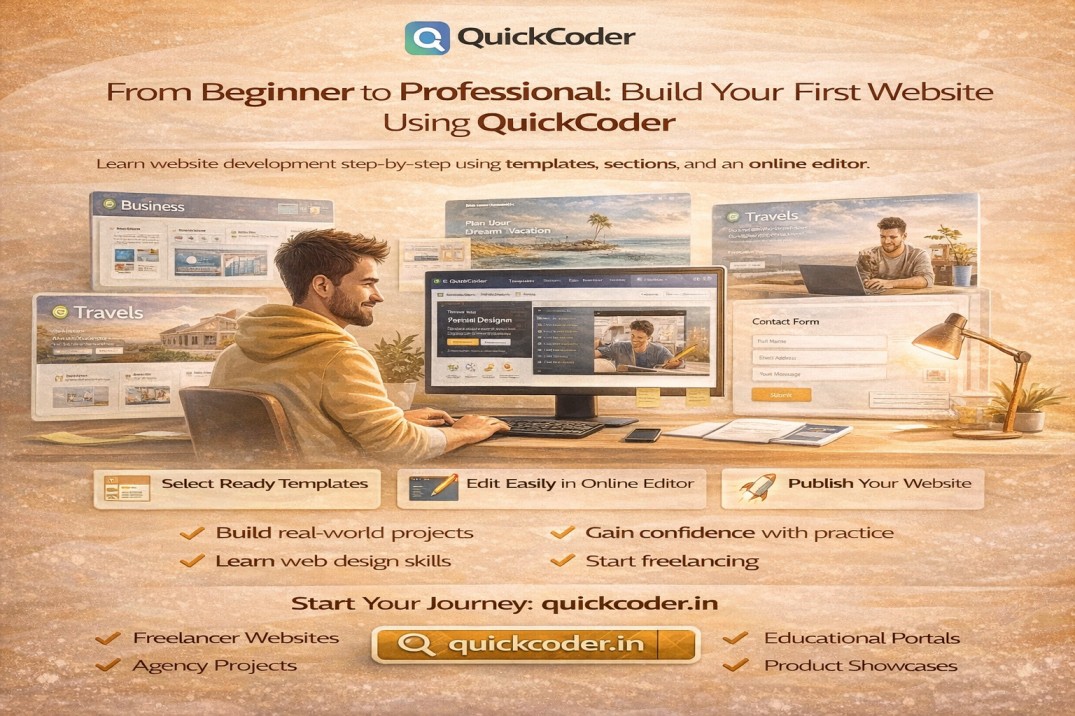
Many people want to learn website development but feel confused at the beginning.
They do not know where to start.
They are afraid of coding.
They think website creation is difficult.
QuickCoder helps beginners start their web development journey in a simple and structured way.
Official Website: https://quickcoder.in
Common Problems Faced by Beginners
New learners often face the following challenges:
No clear learning path
Difficulty understanding HTML and CSS
Confusion about layouts
Lack of design skills
Fear of making mistakes
These problems slow down progress.
How QuickCoder Supports Beginners
QuickCoder provides ready-made templates and sections that beginners can use immediately.
With QuickCoder, beginners get:
Pre-designed landing pages
Reusable website sections
Visual editing system
Clean HTML structure
Live preview
This reduces learning pressure.
Starting with Ready Templates
Beginners can start by selecting full landing page templates such as:
Business website landing page template
Personal portfolio landing page template
Travel agency landing page template
Gym business landing page template
School admission landing page template
Startup product landing page template
These templates provide a strong foundation.
Learning Through Section Customization
After selecting a template, beginners can learn by modifying sections.
They can customize:
Hero section templates
Service section templates
Testimonial section templates
Pricing table templates
Contact form templates
Footer section templates
This helps them understand website structure.
Using the Online Editor
QuickCoder’s editor is designed for learning and practice.
Beginners can:
Edit text easily
Replace images
Change colors and fonts
Modify layout spacing
Preview changes instantly
Export project files
This encourages experimentation.
Building Confidence with Practice
As beginners complete more projects, they gain confidence.
Using QuickCoder, they can build:
Personal websites
Practice projects
Demo portfolios
Client sample websites
College assignments
This improves skills gradually.
Transition to Freelancing
After gaining experience, beginners can start freelancing.
With QuickCoder, they can:
Deliver projects faster
Maintain design quality
Handle revisions easily
Create professional layouts
Build strong portfolios
This supports career growth.
Time and Cost Advantages
QuickCoder reduces learning and development costs.
It removes the need for:
Expensive courses
Paid design software
Premium plugins
External tools
Everything is available in one platform.
Example Learning Path
A typical beginner journey using QuickCoder:
Week 1: Explore templates and sections
Week 2: Customize demo projects
Week 3: Build portfolio website
Week 4: Start small client projects
This creates structured progress.
Suitable Users
QuickCoder is suitable for:
Students learning web development
College project builders
Career switchers
New freelancers
Self-learners
Anyone starting from zero.
Technical Foundation
Templates on QuickCoder follow:
Responsive layout systems
Clean HTML structure
Reusable components
SEO-friendly markup
This helps beginners learn good practices.
Limitations
QuickCoder mainly focuses on frontend development.
Advanced backend features such as databases, authentication, and APIs require additional tools.
However, for beginners, frontend mastery is the first step.
Conclusion
QuickCoder provides a beginner-friendly environment for learning and building websites.
With ready templates, reusable sections, and an easy editor, users can move from beginner to professional step by step.
It is a practical platform for starting a web development career.
Visit: https://quickcoder.in
QuickCoder
From Beginner to Professional: Build Your First Website Using QuickCoder