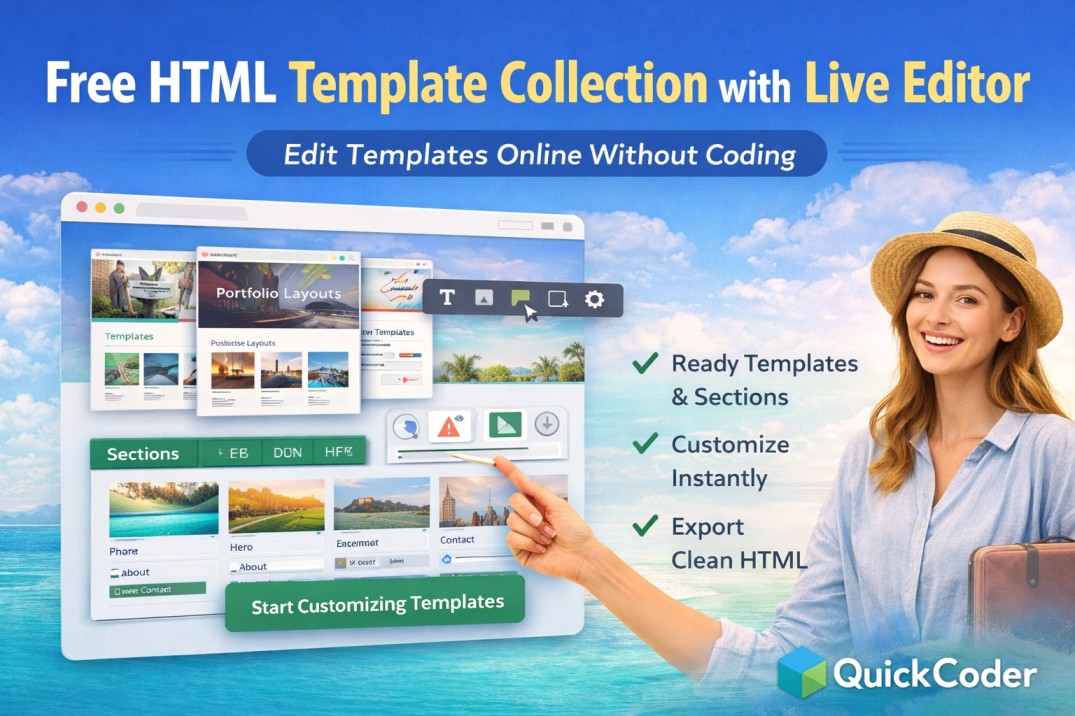
Free HTML Template Collection with Live Editor (Edit Templates Online Without Coding)
Finding the right website template is easy, but customizing it is often difficult. Most free HTML templates require downloading files and editing code manually, which can be challenging for beginners and time-consuming for freelancers.
If you are looking for a free HTML template collection that you can edit online without coding, QuickCoder provides a smarter solution.
QuickCoder offers a growing collection of ready website templates and reusable sections along with a live visual editor, allowing users to customize layouts instantly inside the browser.
What is an HTML Template Collection?
An HTML template collection is a library of pre-designed website layouts that users can select and customize according to their needs. Instead of creating designs from scratch, users can start with ready-made structures.
Templates usually include:
- Landing page layouts
- Business website designs
- Travel agency templates
- Portfolio layouts
- Service and company pages
Why Traditional Templates Are Hard to Customize
Most free templates available online come with limitations:
- Manual HTML editing required
- No live preview while editing
- Difficult layout customization
- Time-consuming setup process
- Requires technical knowledge
This creates problems especially for beginners and agencies working with tight deadlines.
QuickCoder Template Collection with Live Editor
QuickCoder combines template collections, reusable sections, and an online editor into one platform.
Instead of downloading templates, users can:
- Browse ready-made templates
- Select pre-designed sections
- Edit content visually
- Preview changes instantly
- Export clean HTML files
This workflow makes website creation faster and easier.
Ready Website Sections Available
QuickCoder also provides reusable website sections that can be added instantly:
- Hero sections
- About sections
- Service blocks
- Pricing tables
- Testimonials
- Contact forms
- Footer layouts
Users can mix and match sections to build custom layouts quickly.
Key Features of QuickCoder
- Free template collection
- Section-based website building
- Live visual editor
- No coding required
- Mobile responsive layouts
- Instant preview
- HTML export option
How to Edit HTML Templates Online
- Open QuickCoder template collection
- Select a template or section
- Edit text and images visually
- Customize layout and colors
- Preview changes live
- Export HTML files
Your website layout is ready within minutes.
Who Should Use QuickCoder?
- Freelancers
- Web designers
- Agencies
- Business owners
- Beginners learning web design
FAQs
Where can I find free HTML templates with editor?
QuickCoder provides a collection of free HTML templates that can be edited online using a live visual editor.
Do I need coding skills?
No, templates and sections can be customized visually without writing code.
Can I export the template?
Yes, you can export clean HTML after editing your layout.
Are templates mobile responsive?
Yes, templates available in QuickCoder are responsive and optimized for mobile devices.
Start Building Websites Faster with Template Collections
QuickCoder simplifies website creation by combining template collections, reusable sections, and a live editor in one platform. Instead of starting from scratch, users can design websites faster using ready layouts.
Explore templates, customize visually, and export your website instantly using QuickCoder.