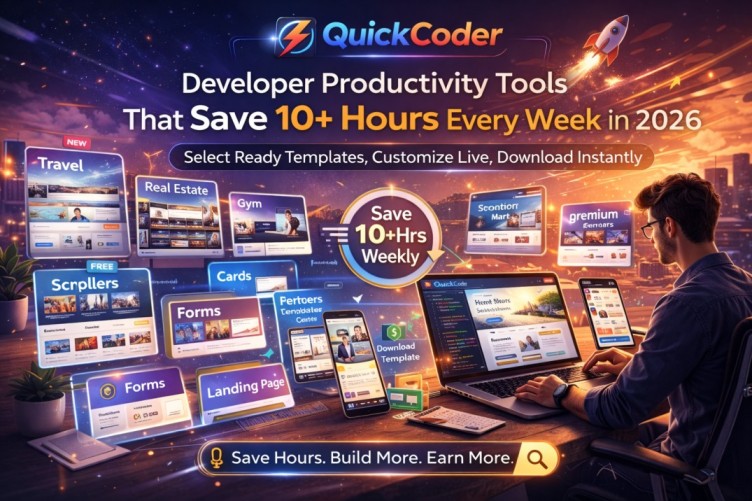
Developer Productivity Tools That Save 10+ Hours Every Week
Time is the most valuable resource for any developer. Whether you are a freelancer, agency owner, or student, your growth depends on how efficiently you use your development hours.
In 2026, smart developers are no longer wasting time rebuilding common website sections like sliders, forms, service blocks, or landing pages from scratch. Instead, they are using productivity tools that help them complete projects significantly faster.
Where Developers Lose 10+ Hours Every Week
Most developers don’t waste time on complex backend logic. They lose time repeating the same front-end structure:
• Creating header and navigation layouts
• Designing hero sliders
• Building card sections
• Writing contact forms
• Making responsive adjustments
• Testing across devices
This repetitive structure work alone can consume 8 to 12 hours every week.
The Smarter Development Workflow
Modern productivity platforms allow developers to select pre-built sections or complete templates and customize them instantly using a live editor.
Instead of coding everything from zero, developers can:
• Select a slider template
• Add a scrolling section
• Insert a contact form
• Choose card layouts
• Pick an about section
• Or select a complete landing page
Then edit content directly in the browser and download clean production-ready HTML, CSS, and JavaScript files.
Complete Template Ecosystem for Every Business
One of the biggest advantages of modern productivity tools is industry-specific templates.
Developers can instantly choose templates for:
• Travel agency websites
• Real estate portals
• Gym and fitness centers
• Yoga studios
• Schools and colleges
• Construction companies
• Fashion brands
• Grocery marts
• Shopping malls
• Shoe stores
• T-shirt collections
• E-commerce product pages
Instead of designing business layouts manually, developers start from structured, responsive templates.
Free and Premium Template Options
Productivity platforms typically offer both free and premium templates.
Free templates help beginners start quickly. Premium templates provide advanced layouts, animations, sliders, scrollers, and professional UI structures suitable for client projects.
How This Saves 10+ Hours Weekly
If a developer normally spends 2–3 hours building layout structure per project and works on 4 projects weekly, that alone equals 8–12 hours.
Using ready templates with live editing reduces that setup time to minutes.
That saved time can be invested in:
• Improving UI quality
• Taking more clients
• Learning advanced skills
• Increasing income
Real Example of a Fast Workflow
A developer needs to build a travel website landing page.
Instead of starting from scratch, they:
1. Select a travel business template
2. Edit hero slider images
3. Modify service cards
4. Update form details
5. Adjust colors in live editor
6. Preview instantly
7. Download final code
What normally takes hours can now be completed within a fraction of the time.
The Future of Developer Productivity
The future of web development belongs to developers who work smarter, not longer. Productivity tools are no longer shortcuts — they are competitive advantages.
Platforms like QuickCoder combine ready-to-use templates, industry-specific layouts, and live editing systems to simplify development and maximize efficiency.
Final Thoughts
Saving 10+ hours every week is not about working harder. It’s about removing repetitive tasks and adopting smarter workflows.
When developers have access to sliders, scrollers, forms, cards, landing pages, and business-specific templates in one place, productivity increases naturally.
The developers who adapt to these tools will move faster, earn more, and stay ahead in 2026.