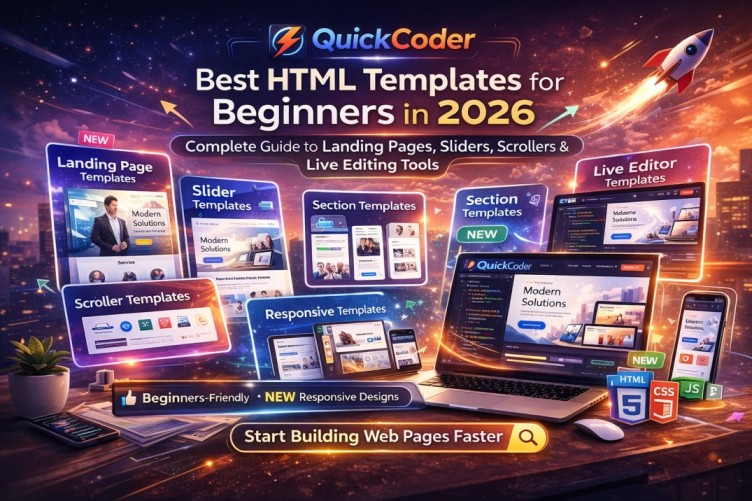
Best HTML Templates for Beginners in 2026 – Complete Guide
Starting web development in 2026 is easier than ever, but beginners often struggle with one major issue — where to start. Writing HTML and CSS from scratch can feel overwhelming, especially when building complete website layouts.
That’s why HTML templates are becoming essential for beginners. Instead of staring at a blank screen, you can start with structured layouts that include modern sections, responsiveness, and clean code architecture.
Why Beginners Should Use HTML Templates
Templates help beginners understand real-world structure. Instead of learning isolated tags, you see how headers, footers, navigation bars, hero sections, and content blocks work together in a professional layout.
In 2026, the best HTML templates are not just static designs — they are responsive, customizable, and optimized for real projects.
1. Landing Page Templates
Landing page templates are perfect for beginners building portfolios, startup websites, product pages, or business introductions. These templates usually include:
• Hero section with call-to-action
• Feature blocks
• Testimonials
• Pricing sections
• Contact forms
They teach beginners how conversion-focused layouts are structured.
2. Slider & Hero Carousel Templates
Slider templates are essential for modern websites. Beginners can learn how image carousels, text overlays, animations, and transitions work together.
These templates often include:
• Auto-play image sliders
• Manual navigation arrows
• Smooth fade or slide transitions
• Mobile swipe support
Understanding sliders helps beginners create dynamic homepages.
3. Scroller & Marquee Templates
Scrolling sections are widely used in modern UI design. Beginners can learn how horizontal scrolling areas, testimonial scrollers, logo carousels, and animated content strips function.
Scroller templates usually include:
• Infinite scrolling animations
• Client logo sliders
• News tickers
• Auto-scroll sections
These improve visual engagement and make layouts look premium.
4. Section-Based Templates
Instead of full pages, section templates allow beginners to combine individual blocks like:
• About sections
• Service grids
• Portfolio galleries
• Team member cards
• Blog layouts
This modular approach helps beginners understand layout composition.
5. Responsive Business Templates
Modern HTML templates must be mobile-friendly. Beginners should use templates built with responsive grids and media queries to learn mobile-first design.
Responsive templates automatically adapt to:
• Mobile devices
• Tablets
• Desktop screens
6. Templates with Live Editing Tools
In 2026, the best beginner-friendly platforms also provide live browser-based editing. This allows beginners to:
• Edit HTML and CSS directly
• Preview changes instantly
• Experiment safely
• Download clean code
Platforms like QuickCoder provide ready-made templates along with live editing, making it easier for beginners to learn while building real projects.
How Templates Accelerate Learning
Using structured templates teaches layout hierarchy, semantic HTML, spacing systems, and responsive behavior. Beginners understand how real websites are built instead of practicing isolated examples.
Choosing the Right Template in 2026
When selecting templates, beginners should look for:
• Clean and readable code
• Proper folder structure
• Responsive layout
• Modern UI design
• Easy customization
Final Thoughts
HTML templates are no longer shortcuts — they are learning tools and productivity accelerators. In 2026, beginners who start with structured templates will learn faster and build professional websites sooner.
The right combination of landing pages, sliders, scrollers, section blocks, and live editing tools can transform how beginners approach web development.