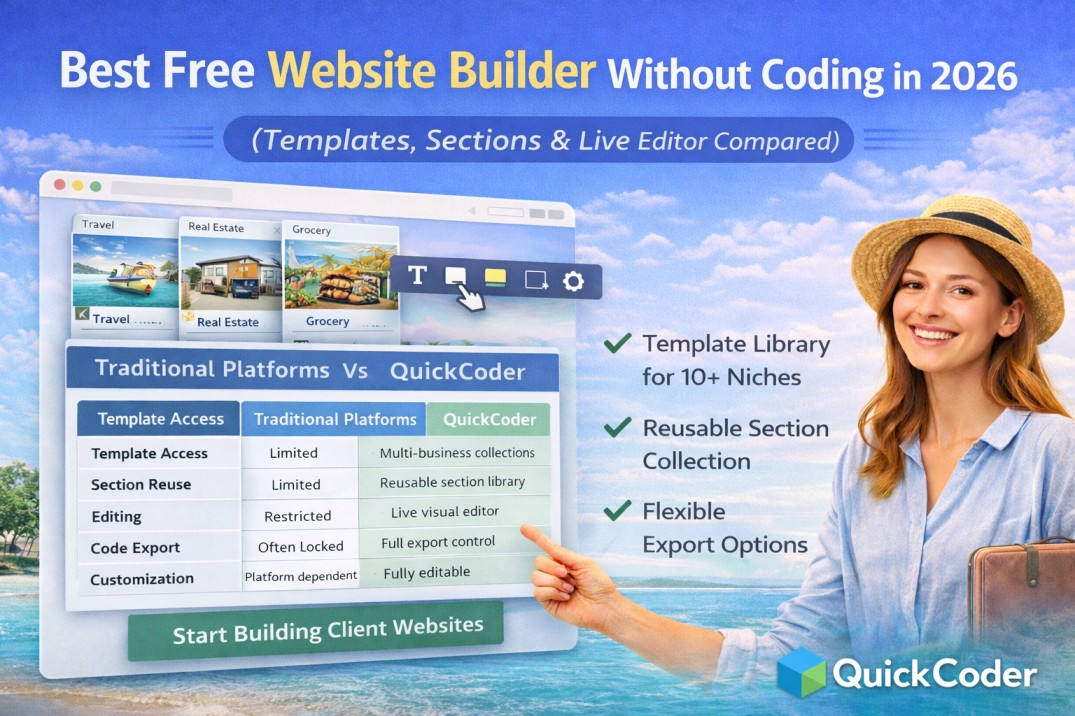
Best Free Website Builder Without Coding in 2026 (Templates, Sections & Live Editor Compared)
Building a professional website used to require coding skills, design tools, and long development time. Today, many platforms promise website creation without coding, but choosing the right tool can still be confusing.
If you are searching for the best free website builder without coding, understanding the features that actually save time is important.
This guide compares modern website building approaches and explains how platforms like QuickCoder simplify website creation using templates, reusable sections, and live editing.
What Makes a Good Website Builder in 2026?
A modern website builder should do more than just provide templates. The best platforms combine flexibility, customization, and export control.
Key features users expect today:
- Ready website templates
- Reusable section libraries
- Visual editing interface
- No coding requirement
- Fast customization
- Flexible export options
Traditional Website Builders vs Modern Workflow
Many builders lock users inside their platforms. Users cannot download clean code or reuse layouts freely.
| Feature | Traditional Builders | Modern Platforms (QuickCoder) |
|---|---|---|
| Template Access | Limited | Multi-business collections |
| Section Reuse | Limited | Reusable section library |
| Editing | Restricted | Live visual editor |
| Code Export | Often locked | Full export control |
| Customization | Platform dependent | Fully editable |
Why QuickCoder Stands Out
QuickCoder provides a different approach by combining template collections, section libraries, and editing tools into one workflow.
- Templates for multiple industries
- Reusable hero, about, card, form, slider, and footer sections
- Live editing without coding
- User login and profile system
- Bookmark favorite layouts
- Export HTML, CSS, JS, or ZIP packages
This makes it ideal for freelancers, agencies, and beginners.
Templates for Every Business Type
QuickCoder includes landing page templates for:
- Travel agencies
- Gym and fitness centers
- Yoga studios
- Real estate businesses
- Schools and colleges
- Grocery and retail stores
- Corporate companies
- Personal portfolios
Section-Based Website Building
Instead of designing pages manually, users can build layouts using ready sections:
- Hero sections
- About blocks
- Service cards
- Image sliders
- Contact forms
- Scrolling sections
- Testimonials
Sections can be edited and rearranged instantly.
Flexible Export Options
One of the biggest advantages of QuickCoder is export flexibility.
- Export HTML only
- Export CSS files
- Export JavaScript files
- Download combined files
- Export full ZIP website package
Who Should Use a No-Code Website Builder?
- Freelancers building client projects
- Small business owners
- Students learning web design
- Agencies delivering fast websites
- Developers speeding up workflow
FAQs
Which is the best free website builder without coding?
The best platform depends on flexibility. Tools like QuickCoder provide templates, reusable sections, live editing, and export control in one place.
Can I download website code?
Yes, QuickCoder allows exporting HTML, CSS, JavaScript, or full ZIP packages.
Is coding required?
No coding knowledge is required to customize templates using the live editor.
In 2026, website building is no longer about writing code from scratch. Platforms that combine template collections, reusable sections, and visual editing provide the fastest workflow.
QuickCoder represents this modern approach by allowing users to design, customize, and export websites freely without coding limitations.